

Speak Friend
Remember what matters about the people who matter.
iPhone · iPad · Mac · Apple Watch — syncing through your own iCloud

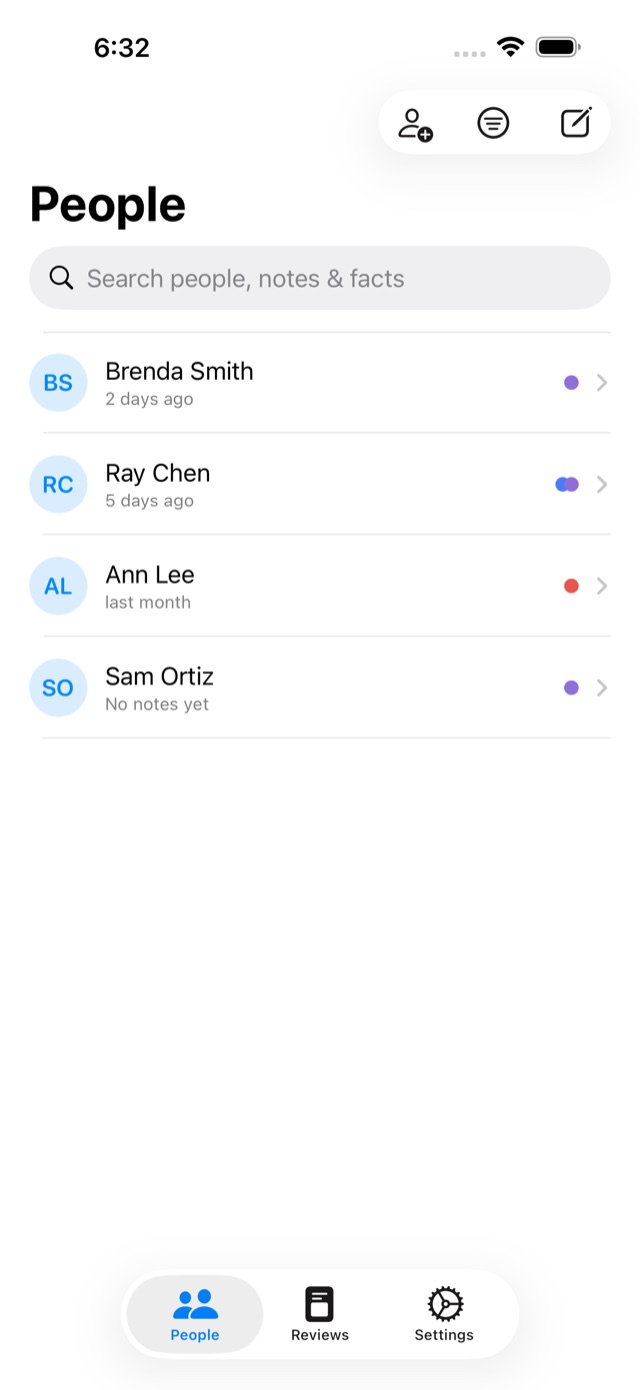
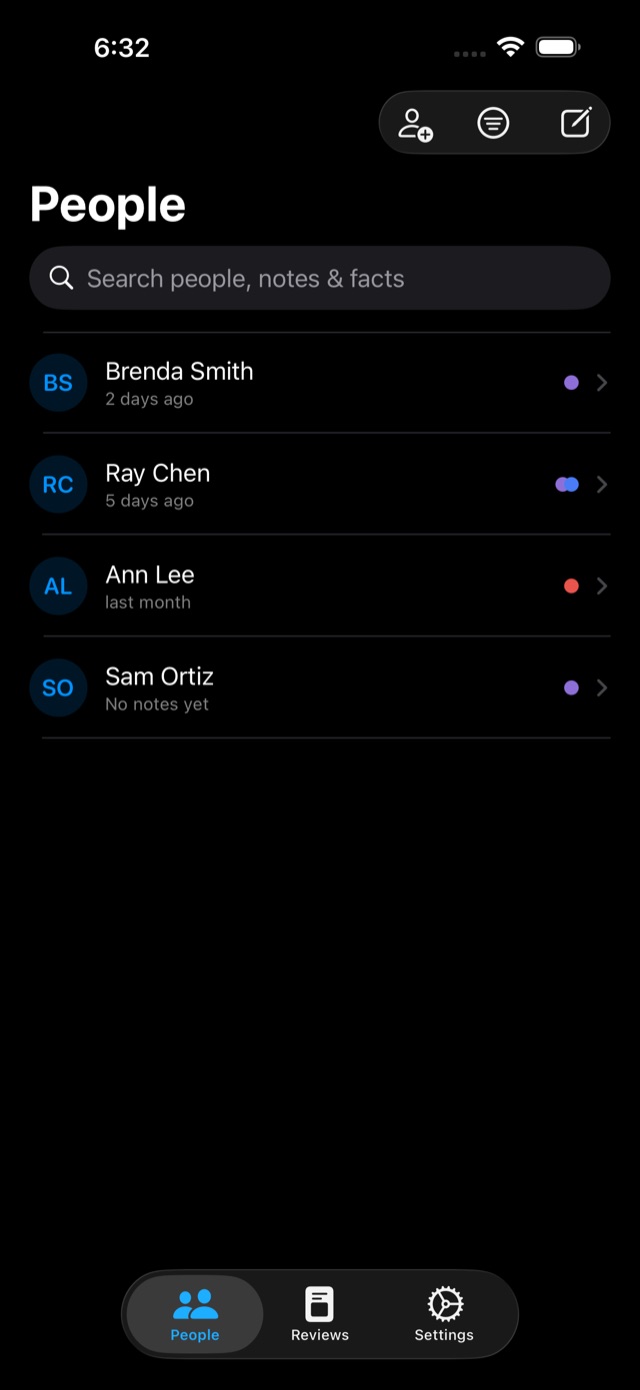
What it does
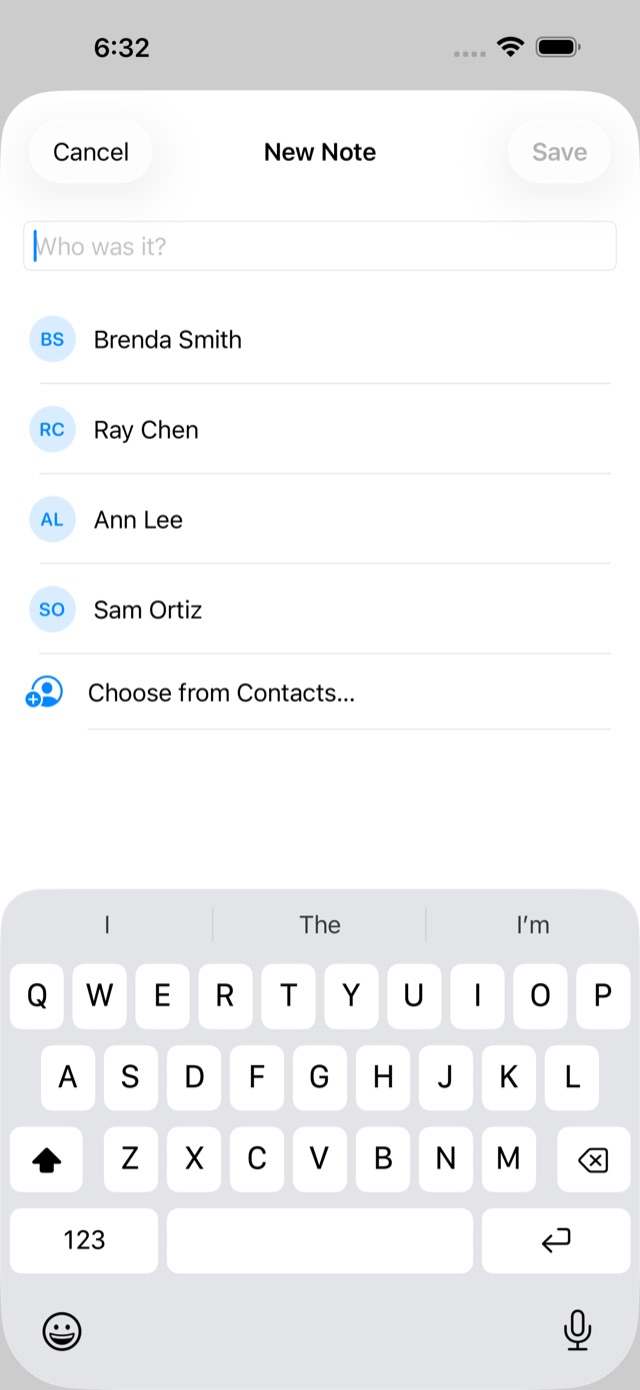
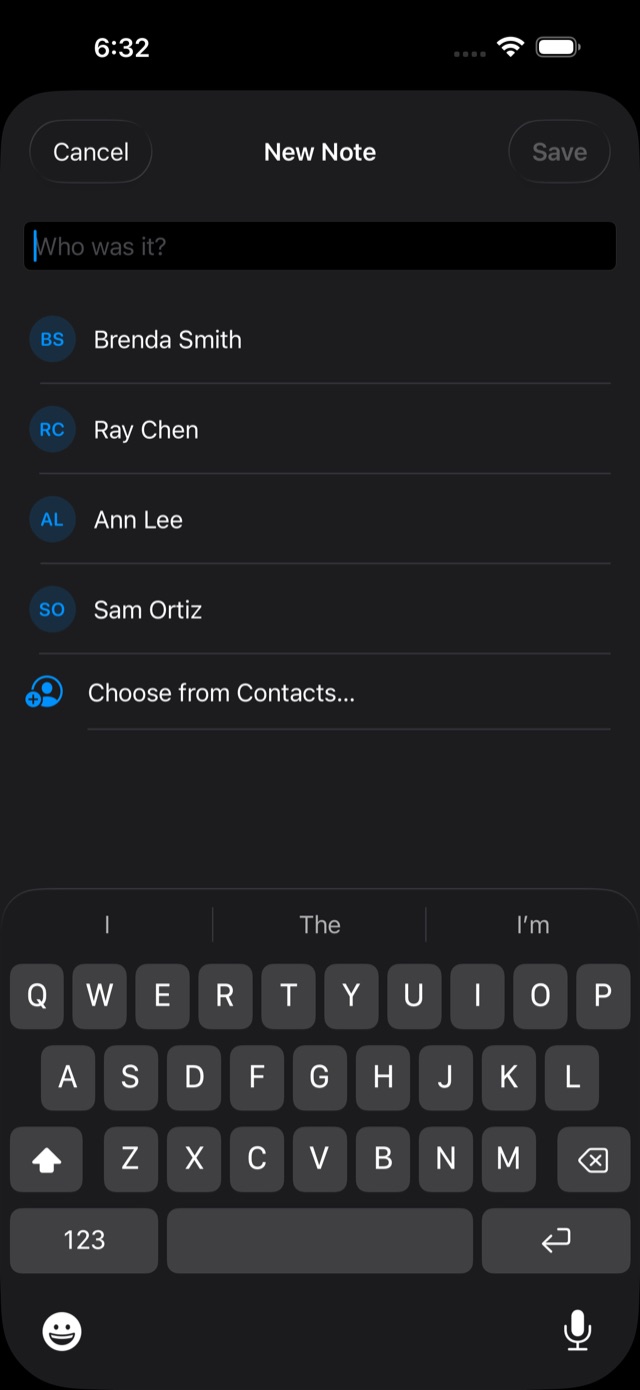
- Quick capture
- Log a note the moment a conversation ends — from your phone, your watch, or the Mac menu bar.
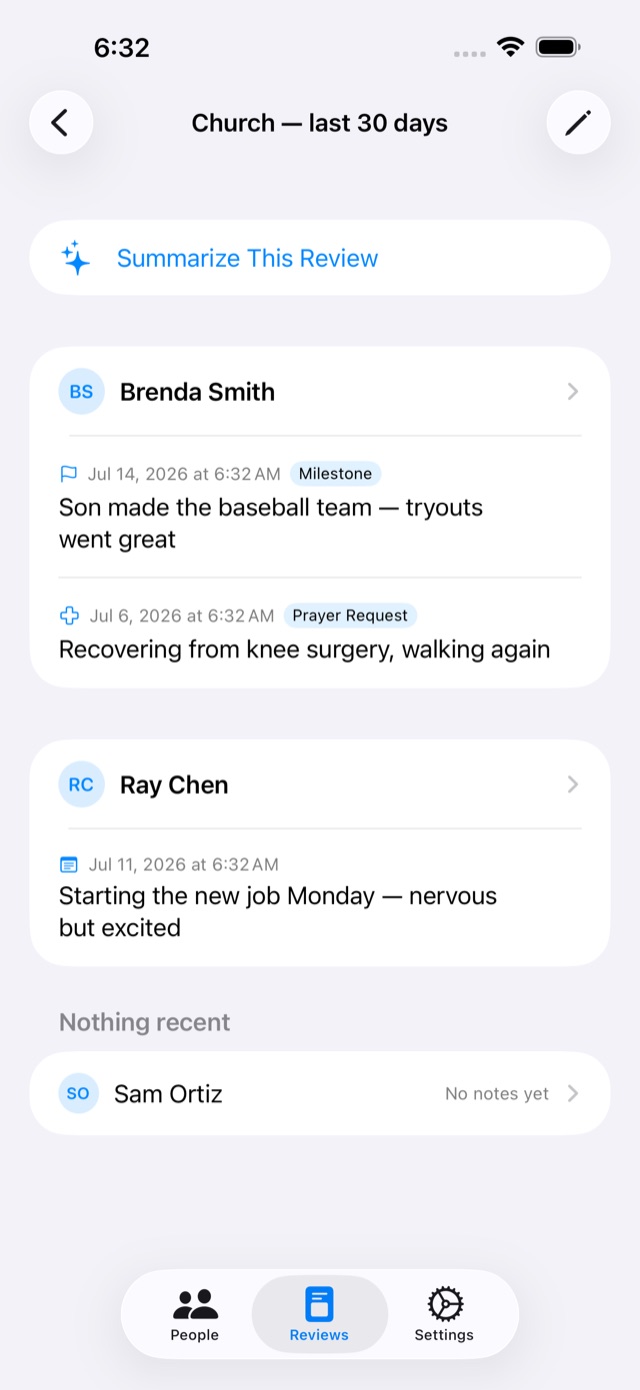
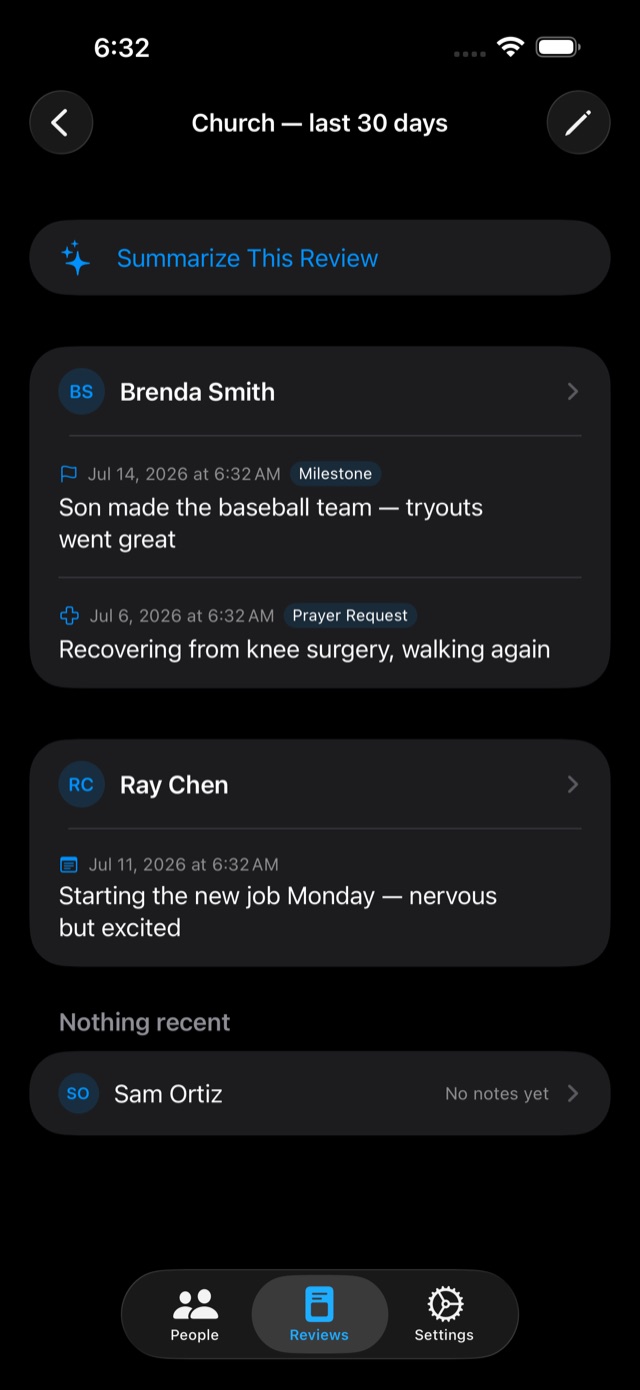
- Reviews
- A "before church" or "reconnect with old friends" feed: who's active, who's gone quiet, who needs attention.
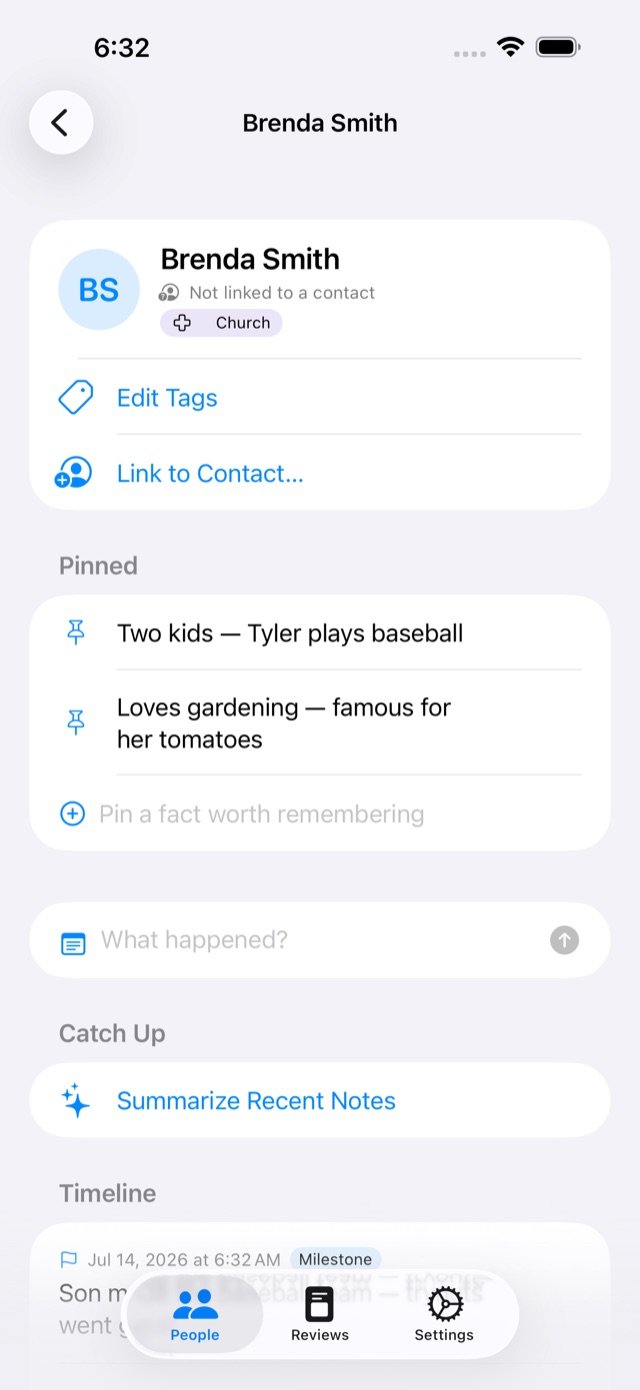
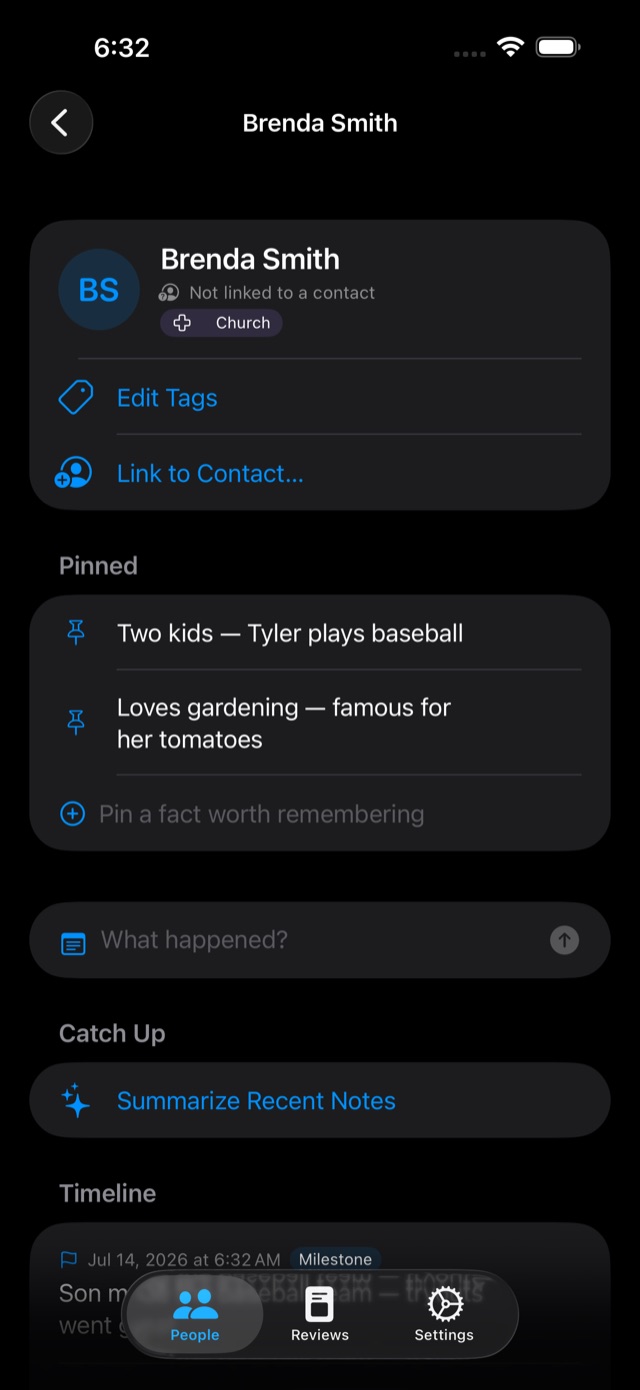
- Pinned facts
- The evergreen things — kids' names, the famous tomatoes — pinned above the timeline, beside live details from Contacts.
- Search everything
- Names, notes, facts, and tags, from the People list or straight from Spotlight.
- Catch-ups on device
- Apple Intelligence summarizes a person's recent notes — generated on your device, never sent anywhere.
- Backup & restore
- Export everything as a plain, readable file; import merges losslessly — nothing overwritten, nothing lost.
- Siri & widgets
- "Log a note in Speak Friend," home-screen review summaries, an Action Button shortcut.
- Private by design
- Your data lives on your devices and in your own iCloud. No accounts, no servers of ours, no tracking.
Questions & answers
Where is my data stored?
On your devices, and — if you're signed into iCloud — in your own private iCloud database so it syncs between them. Nothing is ever sent to us. There is no "us" in the data path at all.
Is my data encrypted?
Yes. On your devices it's protected by device encryption and your passcode. In iCloud it's encrypted in transit and on Apple's servers, and Speak Friend stores your content — notes, names, and pinned facts — as CloudKit encrypted fields. That means if you turn on iCloud Advanced Data Protection (Settings → your name → iCloud), your Speak Friend content becomes end-to-end encrypted: only your trusted devices hold the keys, and no one else — not us, not even Apple — can read it. See Apple's iCloud data security overview for the full picture.
Do the AI summaries send my notes anywhere?
No. Catch-ups are generated by Apple's on-device model — they work in airplane mode. On devices without Apple Intelligence the feature simply doesn't appear, and nothing else changes.
Do I need to give the app access to my Contacts?
No. You can add people by typing a name, and everything works. Linking to Contacts is optional — it shows their card, photo, birthday and details, always read live and never copied into the app's storage.
How does sync work?
Through your iCloud account. Sign into the same account on your iPhone, iPad, Mac, and Apple Watch and your people, notes, and reviews stay in sync — without any third-party server.
How do I back up or move my data?
Settings → Data → Export Data writes everything to a single readable JSON file — including Recently Deleted. Import Data merges a backup back in without deleting or overwriting anything; if the same item was edited in two places, both versions are kept.
I deleted something by accident — can I get it back?
Yes. Tap Undo in the banner right after deleting, or find it later in Settings → Recently Deleted, where everything stays for 30 days.
How do I delete all my data?
Delete the people you've added (and empty Recently Deleted) to remove everything from your devices and your iCloud database — or delete the app and remove its iCloud data in Settings → your name → iCloud → Manage Account Storage.
Support
Stuck, found a bug, or have an idea? Email support@speakfriend.b3n.org.